Wizra guide
Everything you need to run your classes with Wizra, step by step.
Getting started
Your first few minutes
After you sign up and confirm your email, choose a plan. The Free plan is fine to start with (up to 5 students, every feature). You then land on your Dashboard.
The best order to set things up
You can do almost everything from the Add Student form, but this order is the smoothest:
Create your classes first (for example "Mathematics Year 6"), with the fee and how you charge: monthly, per session or per hour.
Set each class’s weekly schedule. Wizra fills your calendar with the sessions for you.
Add your students. In the same form you add the parent and choose the student’s classes.
Mark attendance after each class, then send invoices when fees are due.
Use Wizra like an app on your phone
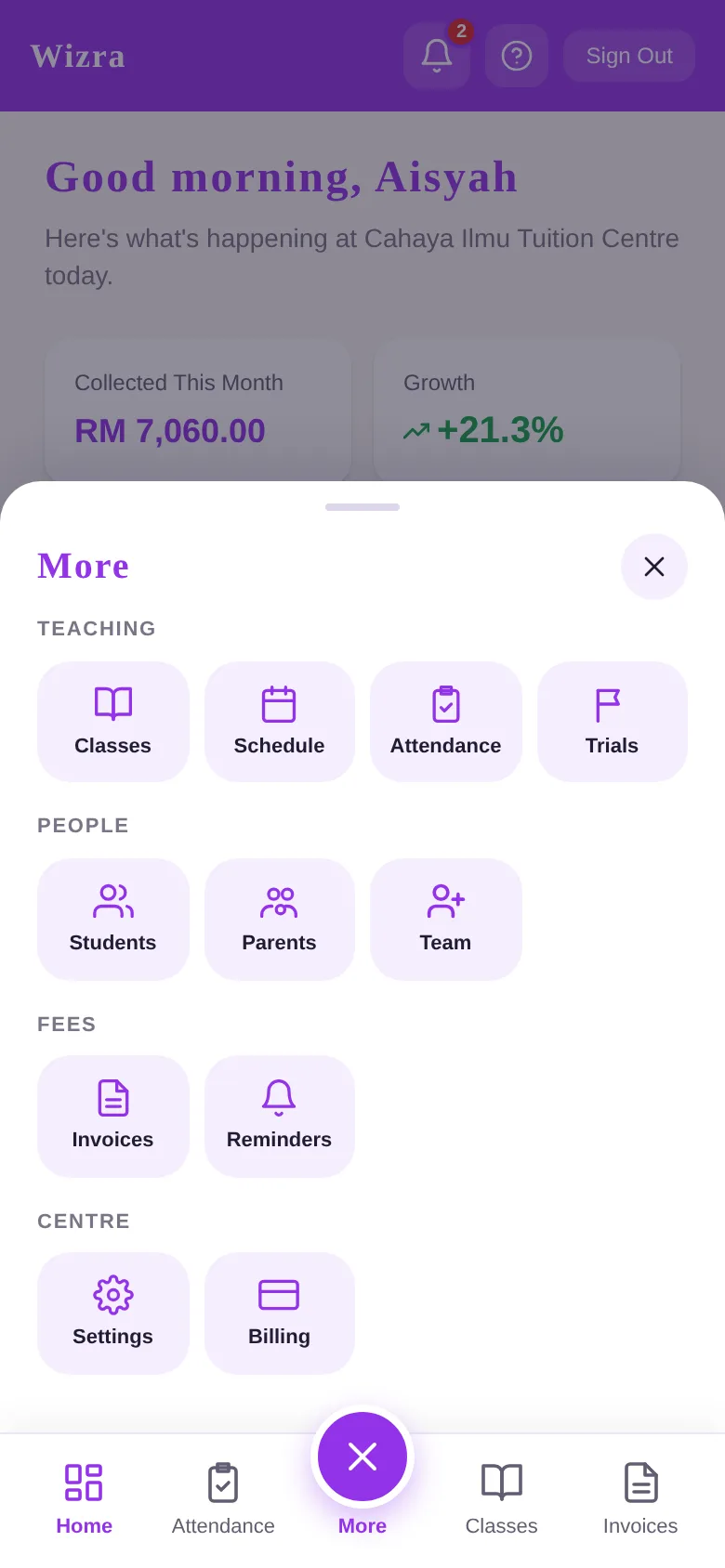
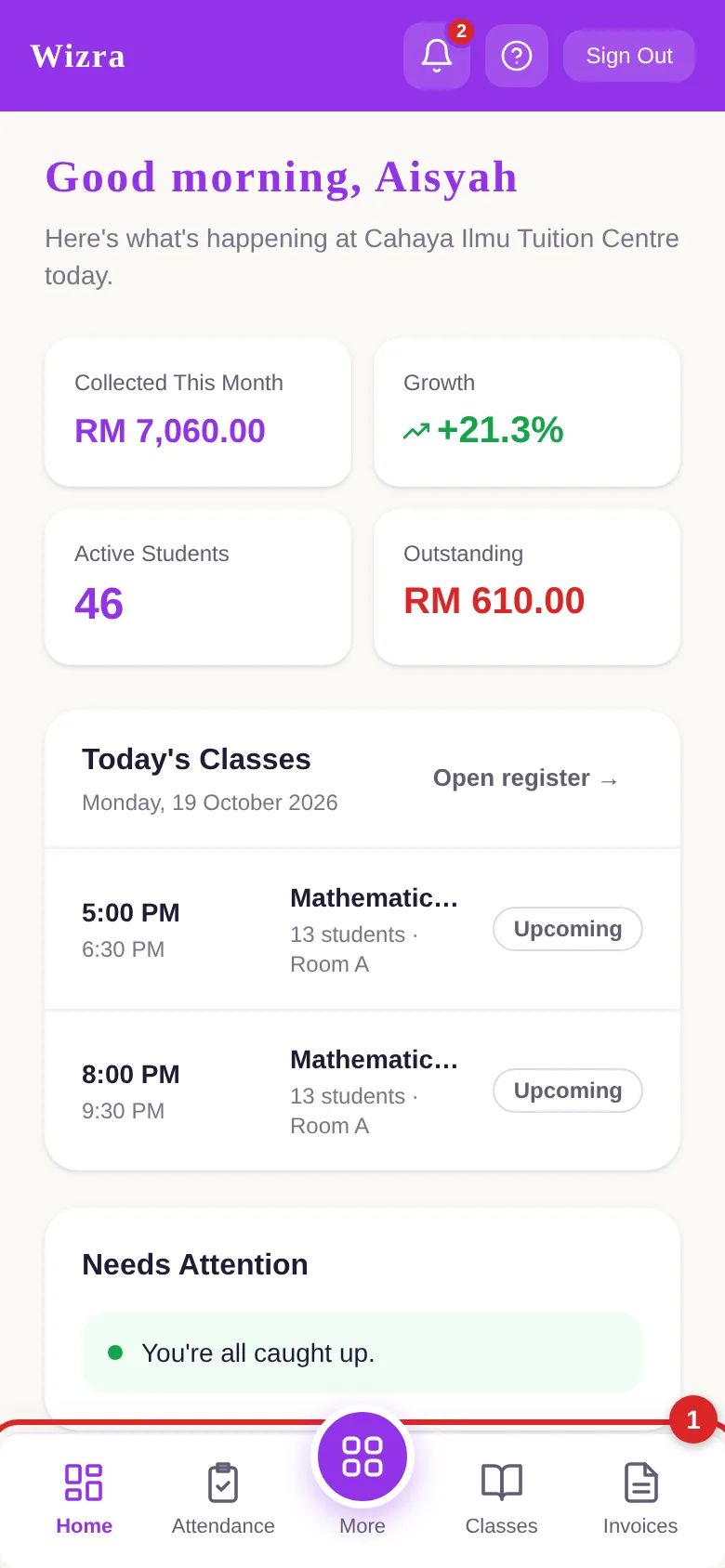
Open wizra.my in your phone’s browser and choose "Add to Home Screen". Wizra then opens like an app, with the bottom bar for Home, Attendance, Classes and Invoices.
Red numbers on each picture show what to tap.
The menu
Everything else is under More